Media Collection Compatibility
Fully compatible with ES-DE Arts Media. Drop your collection’s media and gamelist.xml into the roms folder and it works immediately.
Nintendo Switch Homebrew
A fast, native, and customizable homebrew frontend built specifically for Nintendo Switch.
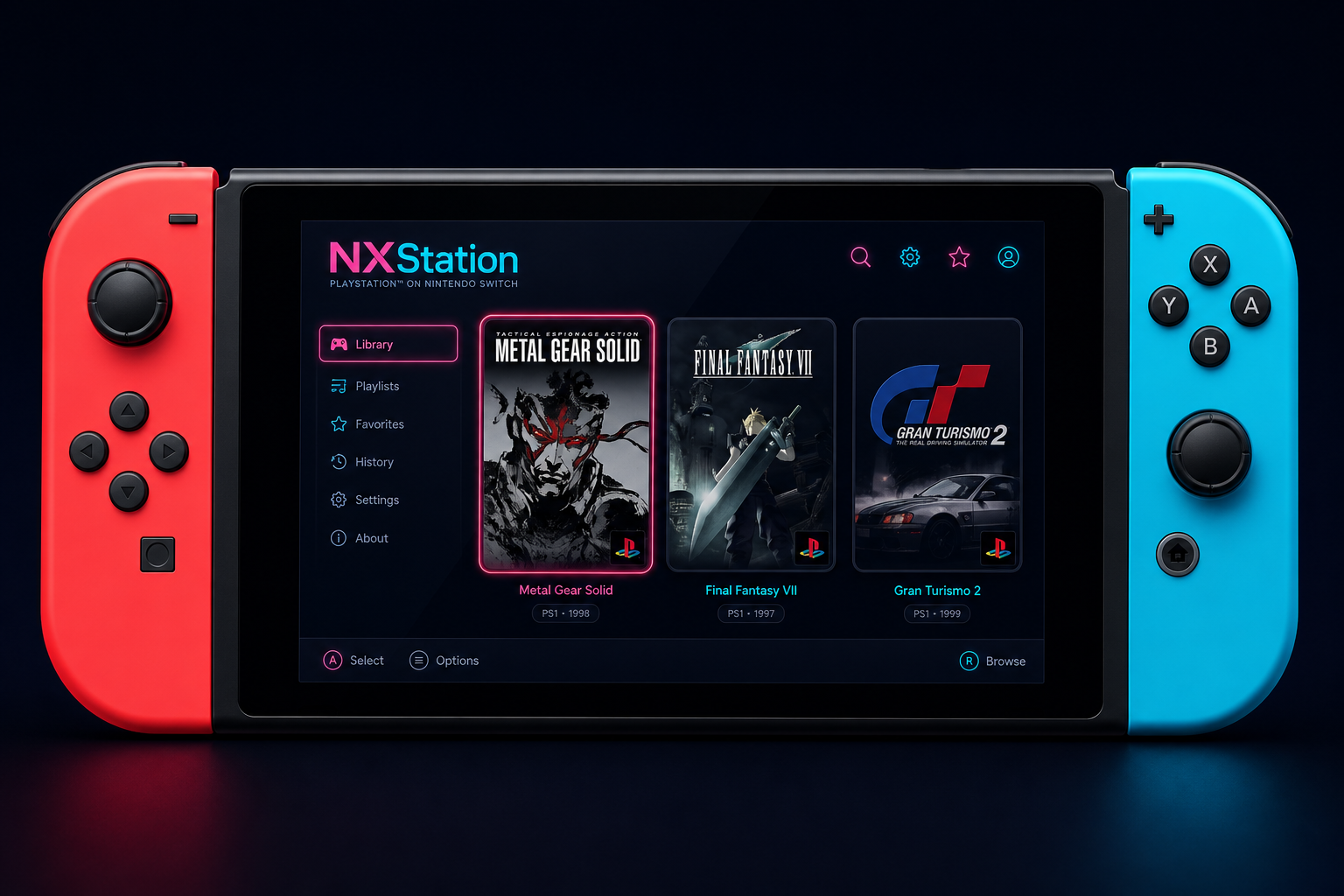
Objective
A Switch-native frontend that respects your collection, scrapes what you need, and gets out of the way when you play.
Fully compatible with ES-DE Arts Media. Drop your collection’s media and gamelist.xml into the roms folder and it works immediately.
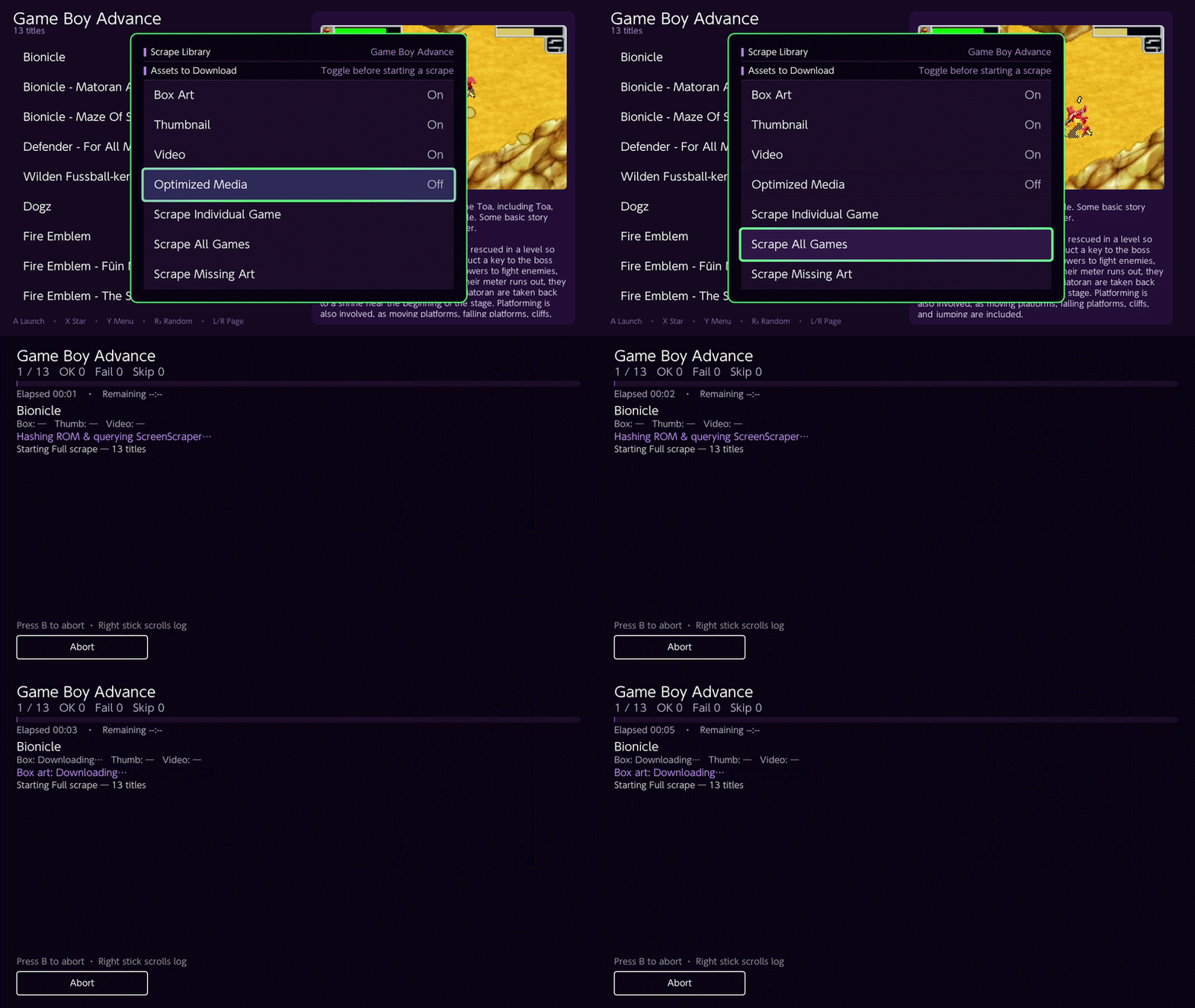
Batch online scraper ready for ScreenScraper — pull box art, screenshots, and metadata in one pass.
Launch from NXStation opens the ROM in RetroArch. Closing a game returns you to your last browse position seamlessly.
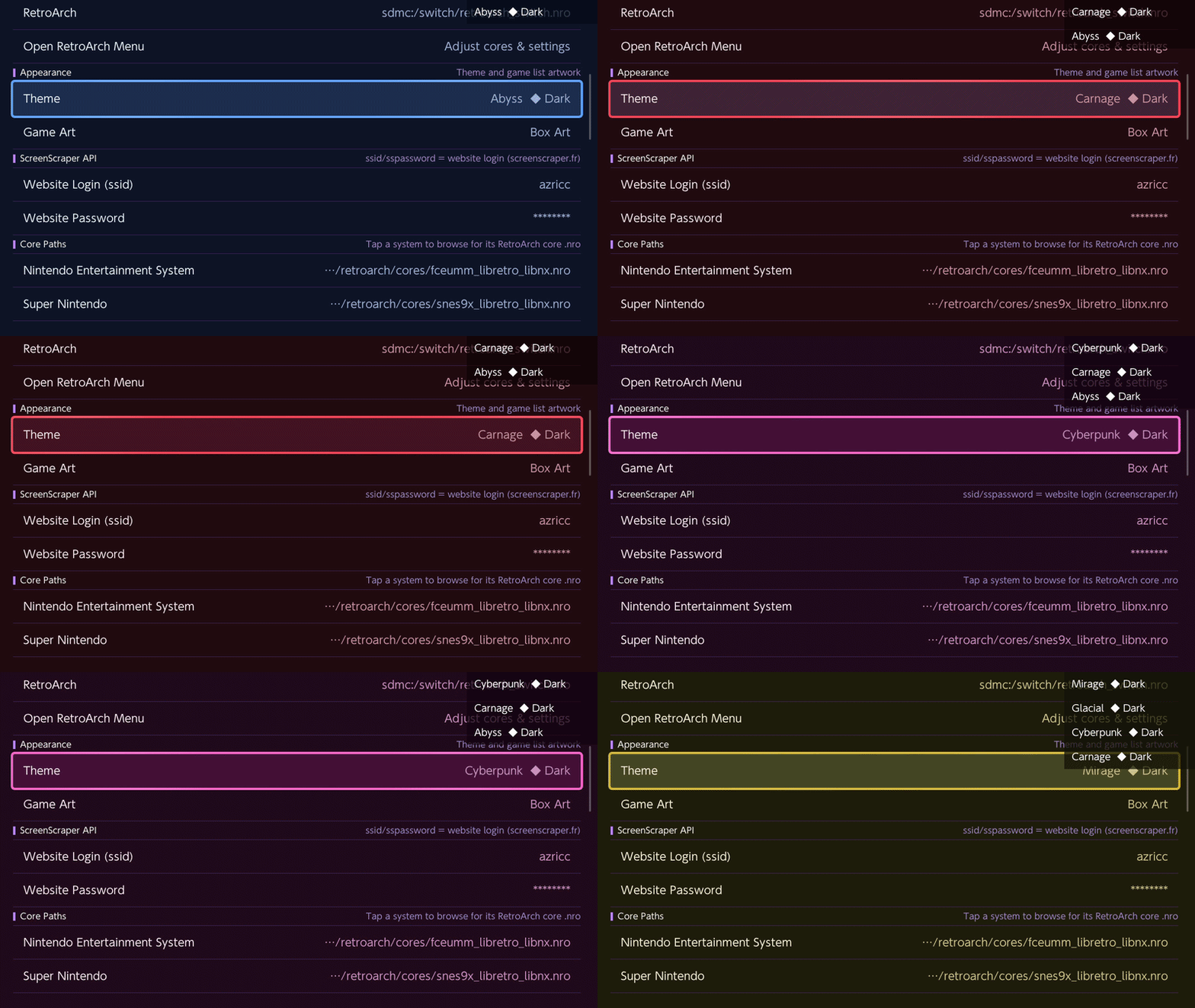
Ready with many color themes for personalization, plus support for customized themes.
C++ / native speed — zero bloated webview lag. Built for handheld responsiveness.
Perfect controller mapping with touchscreen support, tuned for Switch hardware.
Capabilities
Everything you need to browse, scrape, theme, and launch — without leaving the Switch.

Batch or individual box art, screenshots, and game metadata using ScreenScraper.

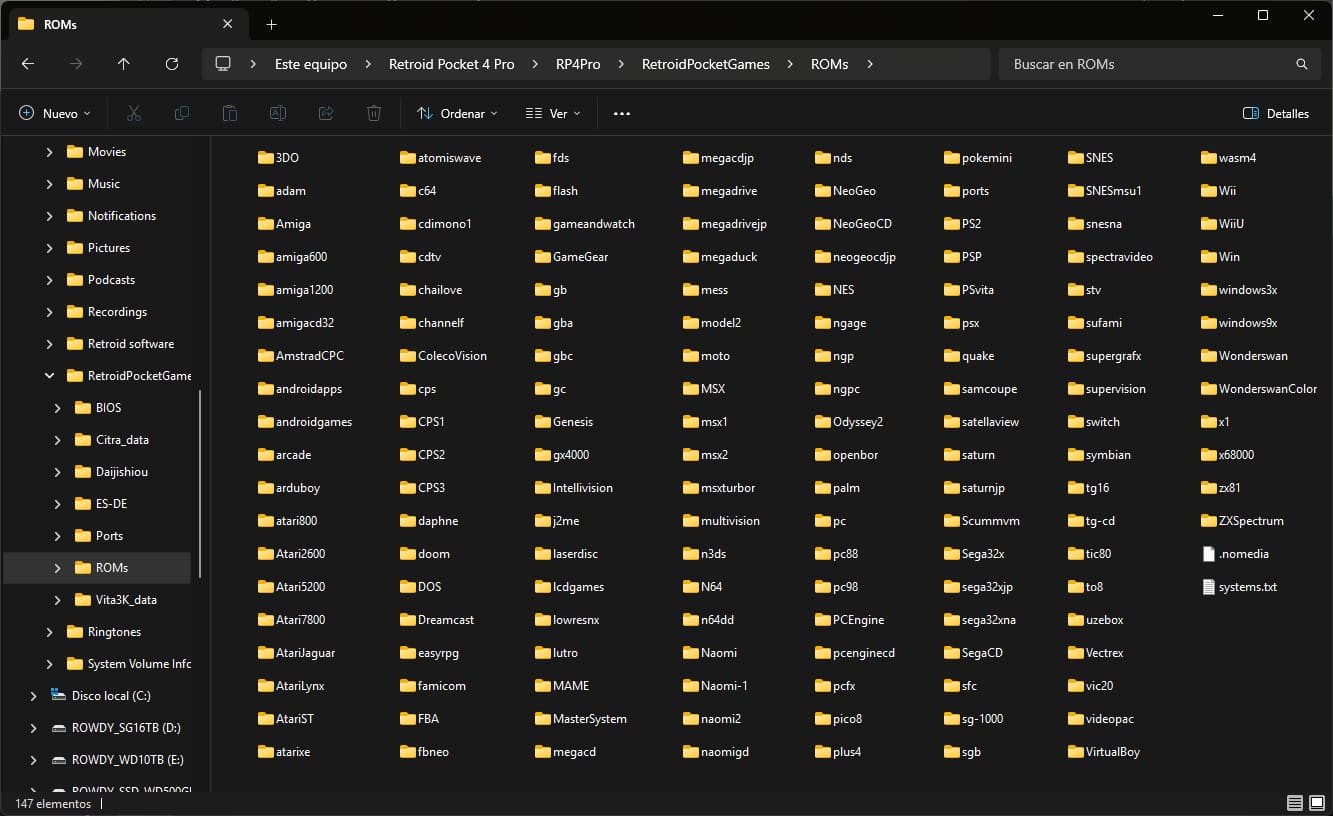
Auto-scans SD card structures, nested subfolders, and custom playlists. Fully follows the ES-DE roms structure format.

Many color themes for personalization and customized theme support. Future theme downloader planned.

Keep your art and metadata synced on the go without active Wi-Fi.

Native launching support for popular Switch emulation cores.

Background music and retro sound-effects toggle future
Interface
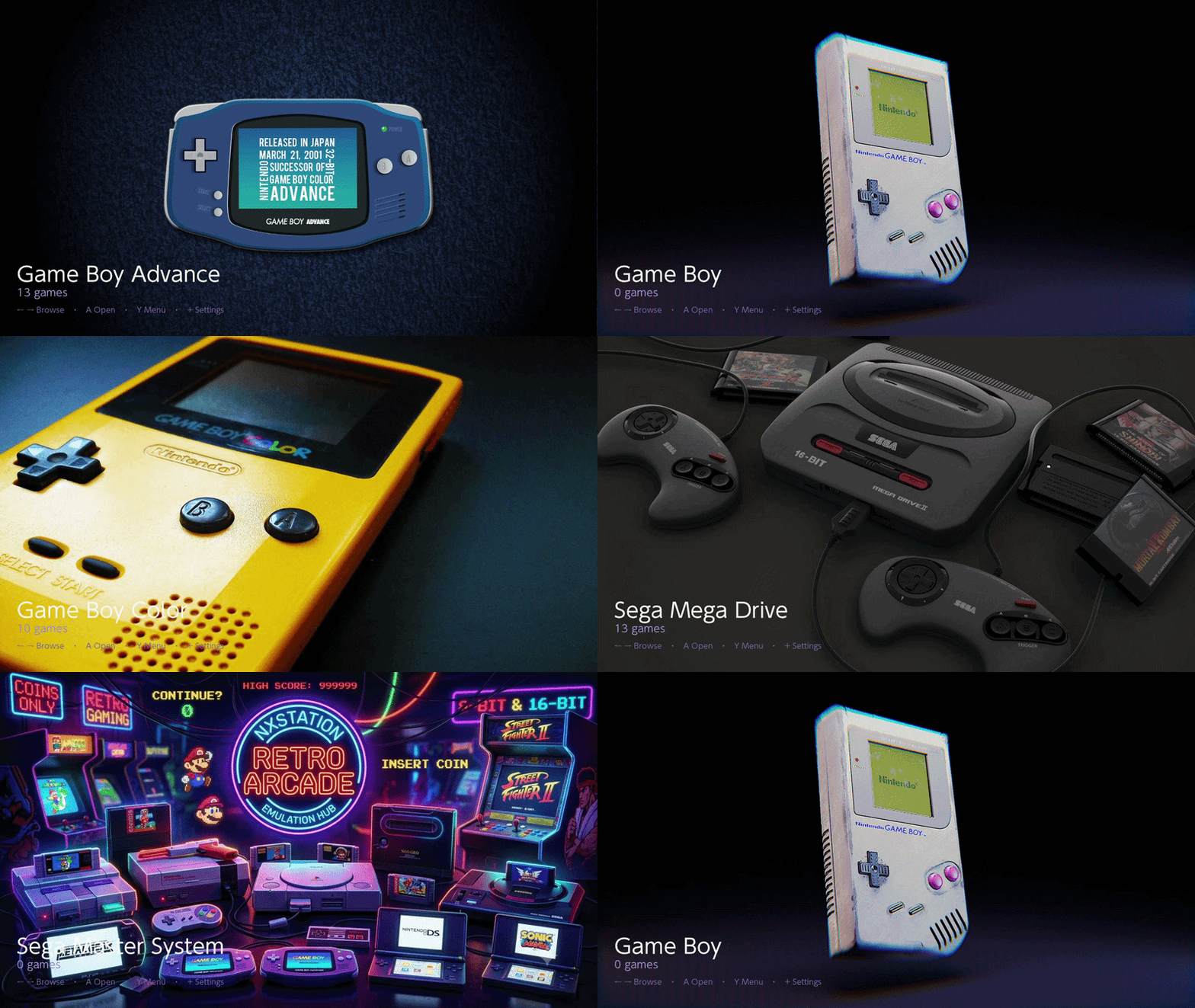
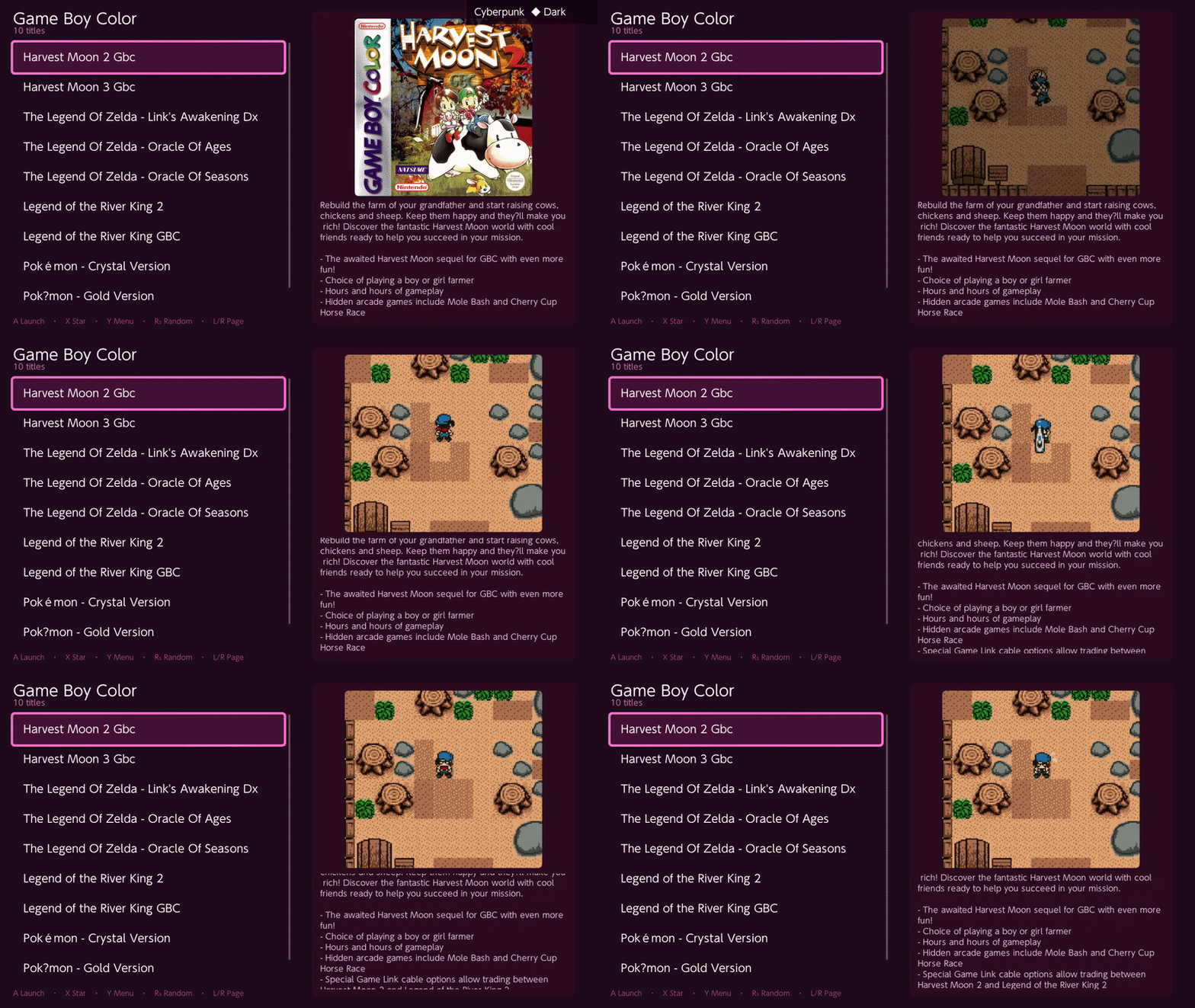
Scroll or use the controls to preview core views — static shots, GIF loops, and short video clips.

Get started
Four steps from download to your library on Switch.
.nroGrab the release from GitHub and verify the version matches your Atmosphere build.
Copy to /switch/NXStation/ on your SD card (alongside config as needed).
Title Override is compulsory. Hold R on a game icon and launch NXStation from there. Do not use the standard Homebrew Menu — the app needs full RAM access to run properly.
On the SD card root, create a roms folder with one subfolder per system (ES-DE style). Example:
roms/
├── nes/
│   └── platformer.nes
├── snes/
│   └── adventure.sfc
└── gba/
    └── rpg-title.gba
See How do I add my games? in the FAQ for folder layout, media, and gamelist.xml details.
Support
Quick answers about NXStation, setup, scraping, and how you can help.
Yes, NXStation is completely free. You can download it and use it.
Core browsing features are in place: search, jump-to letter navigation, screensaver, favorites, last played, Google Drive cloud backup & restore, theme background music and custom SFX (v1.0.0), list-style system browser, and optional Home Menu forwarder install. Still planned: grid view, RetroArch auto save and auto resume from NXStation, and expanded UI sound options.
I am not sure at the moment.
Yes — help with background images and placeholders would be especially useful. If you have experience managing a wiki, please get in touch. Beyond that, bug testing is hugely appreciated. If you can spare support, buy me a coffee on Ko-fi or donate via GitHub Sponsors. Engagement and small incentives keep development going longer.
No. The app needs full RAM access to run properly — launch via Title Override instead of the standard Homebrew Menu.
NXStation ships with 29 systems in the default configuration.
Place ROMs in matching folders under sdmc:/roms/:
arcade — Arcade (MAME / FBNeo)cps1 — Capcom Play System Icps2 — Capcom Play System IIneogeo — Neo Geoatari2600 — Atari 2600atari5200 — Atari 5200atari7800 — Atari 7800atarilynx — Atari Lynxatarijaguar — Atari Jaguaratarist — Atari STnes — Nintendo Entertainment Systemsnes — Super Nintendon64 — Nintendo 64gb — Game Boygbc — Game Boy Colorgba — Game Boy Advancends — Nintendo DS3ds — Nintendo 3DSgc — GameCubewii — Nintendo Wiimastersystem — Sega Master Systemgamegear — Sega Game Gearmegadrive — Sega Mega Drive / Genesissaturn — Sega Saturndreamcast — Sega Dreamcastpsx — PlayStationpsp — PlayStation Portablepce — PC Engine / TurboGrafx-16zxspectrum — ZX SpectrumAdditional systems can be added by editing roms_config.json when a matching RetroArch core is available.
sdmc:/roms/{systemId}/ (ES-DE-style folders, e.g. snes, nes).gamelist.xml alongside your collection — NXStation picks them up.roms_config.json next to the .nro if you need custom systems or cores.